
Appearance
Using phpMyAdmin to manage your MySQL databases
phpMyAdmin is a free and open-source web-based tool that allows you to manage your MySQL databases directly from your browser. It provides a user-friendly interface for performing various database operations, such as creating tables, running SQL queries, and managing users.
Accessing phpMyAdmin
- Log in to your Control Panel.
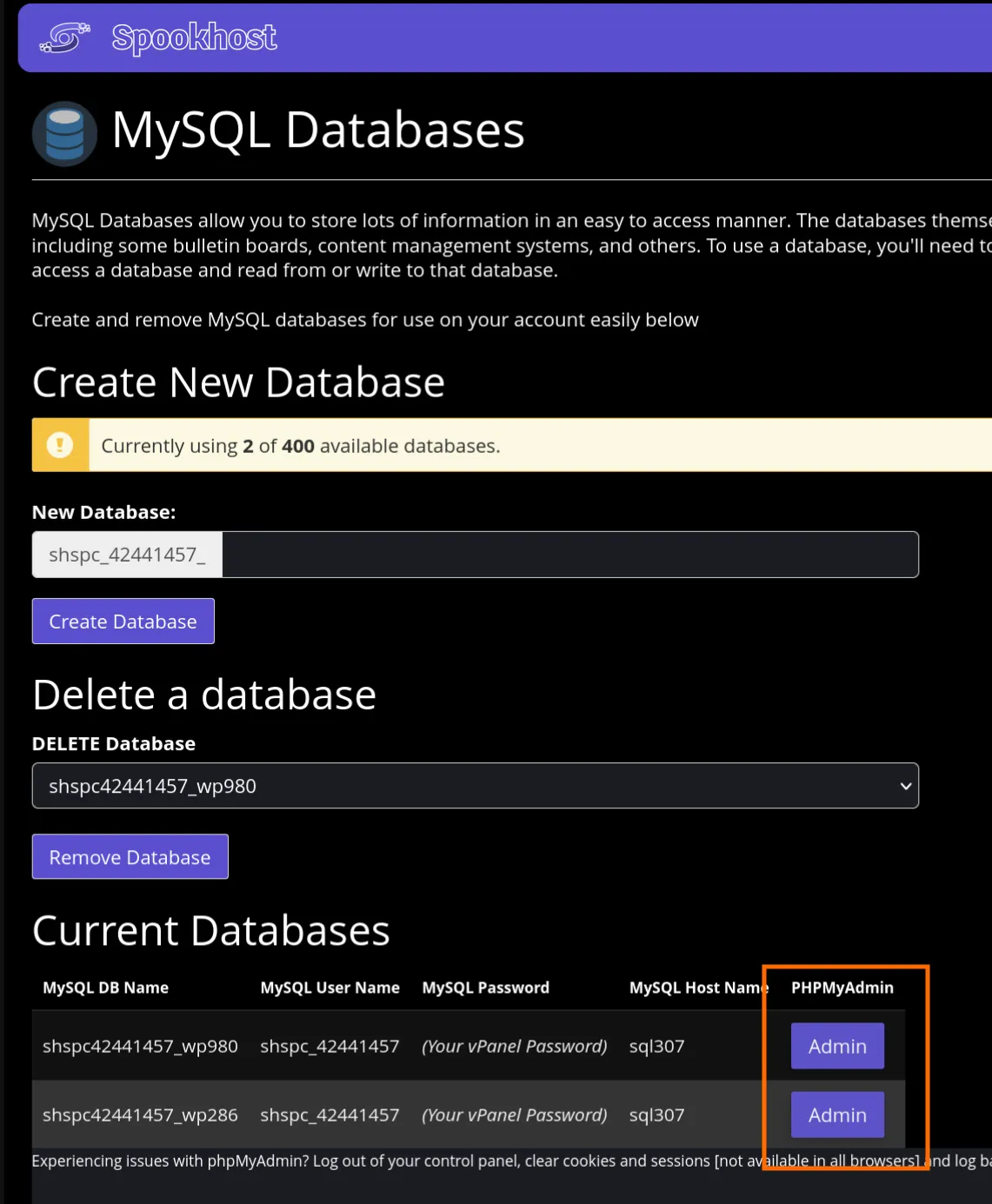
- Navigate to the "MySQL Databases" section.
- Click on "Admin" next to the database you want to manage. This will open phpMyAdmin in a new tab.
Importing/Exporting databases
You can use the phpMyAdmin import/export feature.